I know someone who has used the same password for about a decade.
It is a good password, technically. It has a capital letter, a couple of numbers, and a special character (of course).
And he used it everywhere.
Well, sort of everywhere. Because he is not careless. He has a system.
The system is this: one base password with a number in it, and at the end goes the first letter of whatever app he is logging into. Netflix gets an “N.” The travel site gets a “T.” Very sophisticated. And every 90 days, when a reset gets forced, that number goes up by one.
It feels clever. It feels organized.
It is, in fact, one data breach away from handing a stranger the keys to everything.
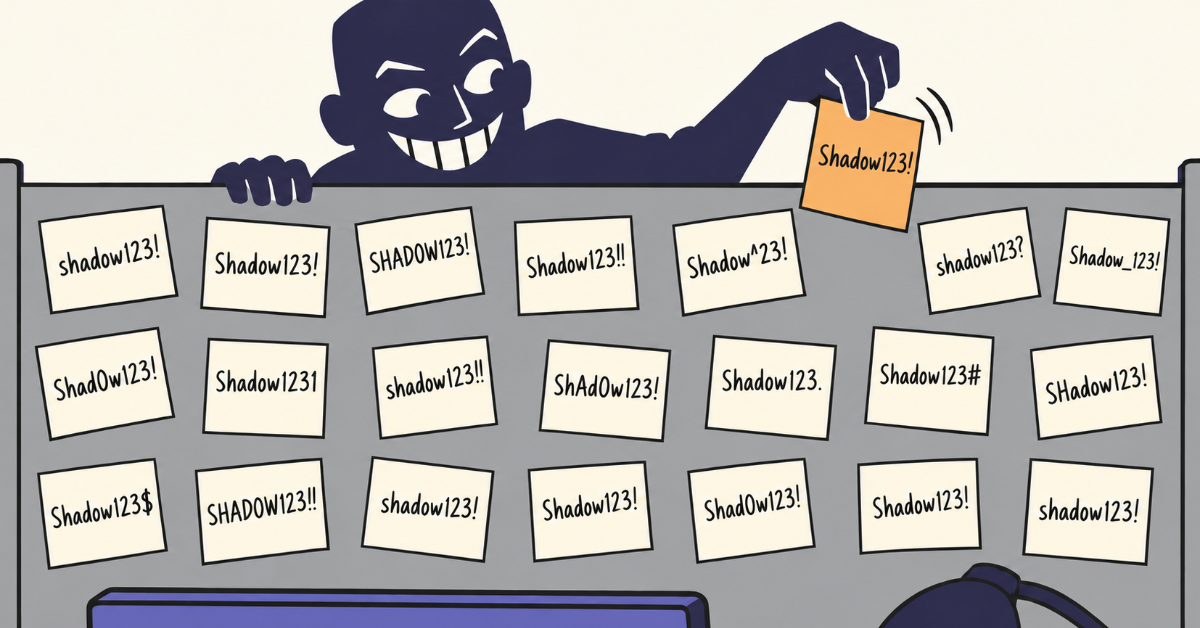
Because if someone gets one of those passwords, they do not have one password. They have the formula.
Now Multiply That by Every Employee
Your employees have their own versions of every slightly embarrassing password habit imaginable. Some are reusing the same password across ten sites. Some keep a spreadsheet named “Copy of Passwords.” Some have a sticky note. Some are just texting the company logins back and forth in a group chat.
You didn’t tell them to do this. Nobody ever does. It’s just what people do when no one gives them a better option.
Thankfully, there is a much better option.
What Are Your People Actually Doing Right Now?
If a new hire asked, “Hey, where do we keep the login for our shared team inbox?” what would the answer be?
The most common answers include: “ask Dave,” “it’s in the shared drive somewhere,” or “I’ll text it to you.” Not desirable!
Weak, reused, and casually-shared passwords are behind an enormous share of security incidents. It’s easy to compromise a password floating around in plaintext and when that one leaked password unlocks multiple accounts, the effects cascade.
What “Good” Actually Looks Like
When Fractional CISO starts working with a company, we begin with a gap assessment. We review where they stand against the Fractional CISO Basic Controls, our in-house control framework designed to build a foundational security program before transitioning to a fuller framework.
Number five on that list is Password Management. How do your employees store and share passwords?
A good answer has three parts, and most companies are missing at least two.
Part one: give your people a password manager. A password manager generates long, random, unique passwords for every account and remembers them so your employees don’t have to. No more clever letter-on-the-end systems. No more reuse. The secure choice becomes the easy choice.
And when a 90-day reset gets forced, it generates a fresh random password instead of someone bumping a number.
Part two: mandate it. Every employee, every shared login. Password managers are not a tool you offer to whoever is interested. They are a requirement. Partial adoption is the single most common way this control fails.
That includes every credential your team shares: the shared team inbox, your domain registrar, the company’s cloud and software admin accounts, the payroll or HR system, the tools your marketing team all log into. A password manager lets you share those securely, without anyone ever seeing the actual password.
Part three: teach people how to use it. Skipping this can cause adoption to stall out! A password manager can feel cumbersome at first. Training people on how to use it, and slowly build out their password vault will help employees understand the convenience these tools offer.
Pro tip: when rolling out, don’t tell employees they need to update all the passwords at once. Have them update the high-value ones first, then just update and incorporate old passwords as they use various other logins. Over time, everything will make its way in.
Another bonus of password managers – it gives you a way to take access back.
When access runs through a central password manager, offboarding becomes an easy task instead of a scramble. You revoke their access, and the shared logins they could reach are closed off in one place, on their last day.
Do all three, and a whole category of risk quietly shrinks.
How to Actually Get Started
You don’t need a six-month project. Here’s a sensible order:
1. Pick a password manager and roll it out to everyone. Any reputable one will do the job, so pick the one your team is most likely to actually use.
2. Set a date and make it mandatory. After that day, company passwords live in the password manager. Full coverage is what makes this work.
3. Move your shared credentials first. Start with the high-stakes company logins everyone currently passes around. That’s where you get the biggest risk reduction fastest.
4. Write a one-page policy. Plain language, storage and sharing guidelines, the whole thing readable in two minutes. Nobody follows a 40-page document.
5. Decide who needs access to what. A password manager keeps credentials safe, but it will happily keep the wrong person’s access safe too. Before you fill it, sort out which roles need which systems, and give people only what the job requires.
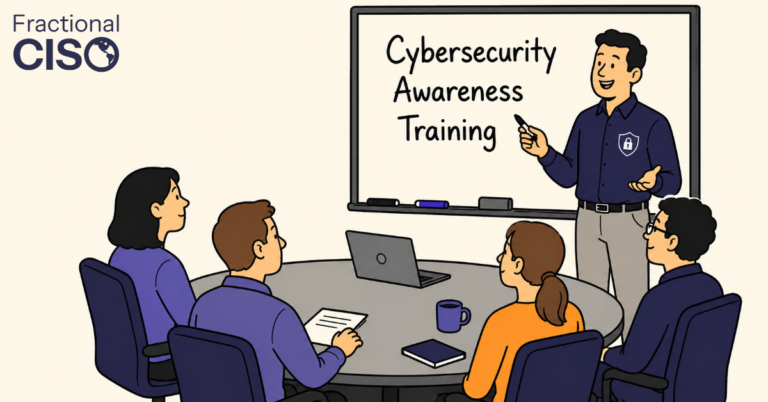
6. Train briefly and practically. Show people how to use it, why unique passwords matter, and why reuse is officially retired.
7. Give it a named owner. Someone whose actual job includes keeping it current and noticing when credentials are being shared the old, insecure way. Like payroll, it can’t be everybody’s job, or it’ll be nobody’s.
8. Review access on a schedule. Once or twice a year, go account by account and ask who still needs this. It is the only reliable way to catch the access that quietly outlived its purpose.
That’s it. That’s the control.
The Basics Are What Save You
Password management will never be the exciting part of your security program. There’s no dramatic before-and-after. It’s the kind of thing that only makes the news when a company skips it.
But it’s fast, it’s practical, and it shuts down one of the most common ways companies get compromised. In cybersecurity, the boring basics are usually the ones that save you.
As for that password with the letter on the end? It is still out there. Someone is still using it, still bumping the number up every 90 days, still feeling organized about it.
It does not have to be anyone on your team.
Want to get great cybersecurity content delivered to your inbox? Click here to sign up for our monthly newsletter, Tales from the Click!