Nobody pulls onto the highway without checking their blind spots. Right?
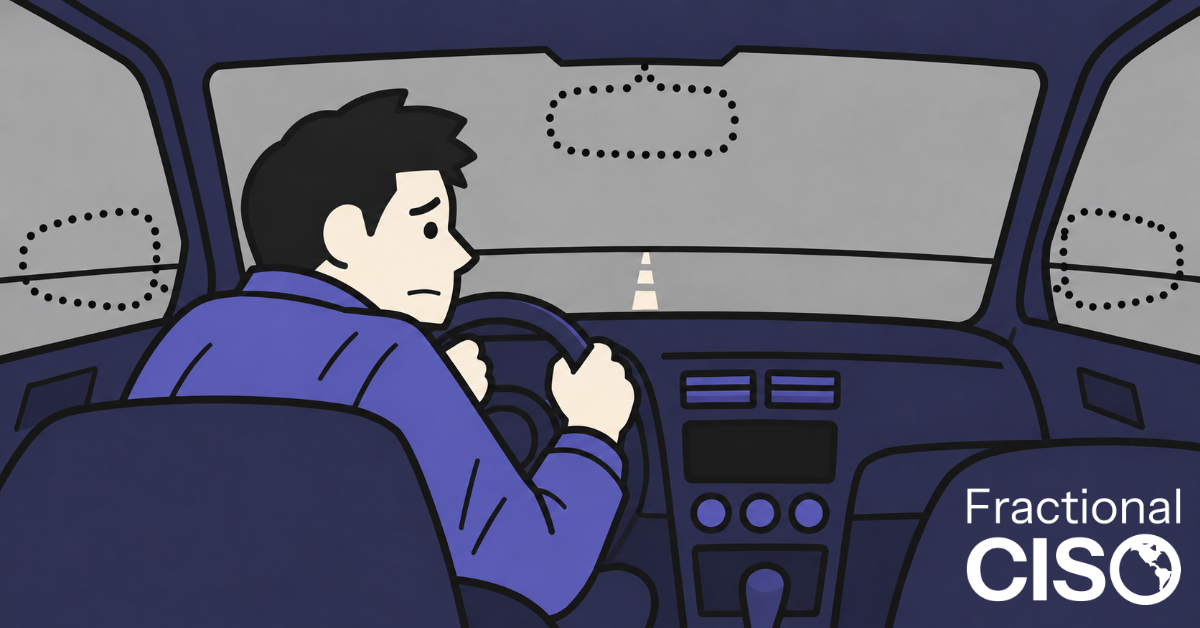
Last weekend, I was driving my 13-year-old daughter to her basketball game in the middle of a rainstorm.
We were heading down the highway, and I needed to change lanes to take the exit. I started to move over…
And at the last second, I stopped. A sedan was riding right in my blind spot. (Rain, a highway exit, and a kid in the car. Not the moment you want a surprise.)
Nobody changes lanes without checking their blind spot. Right? (Ahem.)
It takes about two seconds: a quick look over your shoulder before you change lanes. That’s less time than it takes to find a decent song on the radio.
Skip it, and you put yourself, your passengers, and the car next to you at risk. Not to mention your dignity, your upholstery, and whatever’s in your cupholder.
All drivers are taught early that the blind spot carries significant risk, so we check it out of habit. And when we can’t see well, like in a rainstorm, we know the danger goes up.
As it turns out, cybersecurity works much the same way.
I talk with small business owners all the time. Many of them feel some sense of cybersecurity-related risk. They have a blind spot, and they know there’s some danger in it.
But they can’t just look over their shoulder to check it. That’s the cybersecurity blind spot.
The cybersecurity blind spot contains risk a business knows is there but can’t see. Most small business owners want to do something about the risk, but they don’t know how big it is or where to start looking.
The fix begins with five controls we call BASIC: Backups, Awareness training, Secure email, Identity, and Computers.
The Small Business Cybersecurity Blind Spot
Here’s what we see with founders and owners of small businesses. They know cybersecurity matters. They want to do something about it. But they aren’t sure what to do, or where to start.
When I ask owners how they feel about their cybersecurity, I usually hear them say this:
- We don’t know, what we don’t know
- We know it could be a problem, but we don’t know how much of a problem it could be
- We don’t know where to start
- We don’t have the skills or tools to handle it
- Our IT person handles all of that
- We’ve never had a problem
It’s as if they’re driving without mirrors. It puts the company at great risk.
Most cyber attacks aren’t aimed at one particular company. They’re automated and opportunistic: software scanning the internet for internet-facing vulnerabilities, out-of-date websites, and mass phishing emails. Small companies don’t get selected. They get found.
“But Rob, if we’ve never had a problem, doesn’t that mean we’re fine?”
Maybe. Maybe not. Do you want to take that risk?
The good news? Clearing this blind spot doesn’t take a huge budget or a full-time security team. It takes looking in the right places…
Check These Five Mirrors: Basic Cybersecurity Controls for Small Businesses
At Fractional CISO, we call them BASIC. These five controls protect against the most common attacks we see, and many of them are free or low-cost. The biggest investment is management time to roll them out.
B: Backups
Back up every system on a regular schedule, and follow the rule of three: three copies, on two types of media, with one stored separately.
But a backup is only as good as your ability to restore it. That takes two more steps…
- Write it down. Document the restore process step by step: where the backups live, how to get to them, and what to do in what order. Then make sure at least two or three people have the access they need to follow it.
If the only person who knows how to restore your systems is on a plane (or a beach), you don’t have a restore process. You have a single point of failure.
- Practice it. Every so often, run a test restore. For example, if your website has a restore function, try it on a test copy of the site, if you have one. Pick a weekday and do it before you head out of work or when web traffic is otherwise lower. (Maybe not on a Friday.)
A: Awareness Training
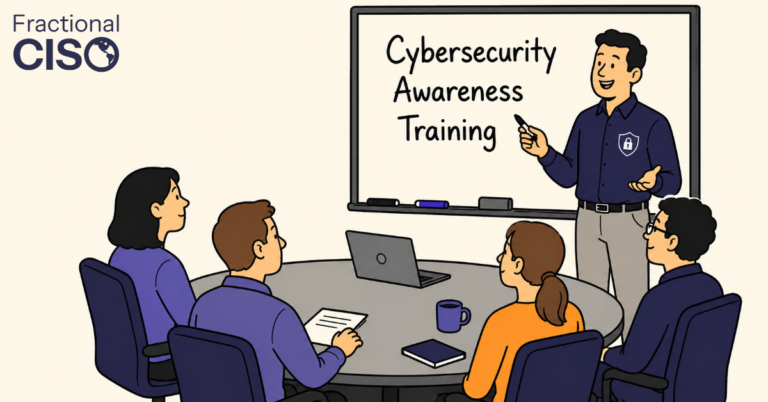
Everyone at your company who uses technology should get training at least once a year, plus regular phishing tests and coverage of other social engineering tricks (like the “CEO” text asking for gift cards).
But if training is a check-the-box exercise once a year, you may be no better protected than if you did none at all. Effective training is ongoing and practical. And it only sticks when every level of leadership is enthusiastic about it.
That means the CEO, the department heads, and the team leads. If executives skip the training or roll their eyes at the phishing tests, everyone else will too. (Employees notice.)
When leaders take training seriously, so does everyone else. Have your CEO kick off the annual session. Publicly thank the employee who reports a phishing email. And have managers finish their training first, not last.
S: Secure Email
Email is one of the top two ways attackers get into small businesses. The good news? It’s also one of the cheapest to fix.
Start with your email platform. If you run Google Workspace or Microsoft 365, a compromised account isn’t just an email problem. It’s your files, calendar, shared drives, and video calls, too.
Google Workspace mostly has strong default settings, with room for improvement. Microsoft 365’s defaults are, as we say in the cybersecurity industry, “not good.”
Have your administrator make these changes, and test them before rolling them out:
- Require multi-factor authentication (MFA) for every user.
- Turn on attachment and link scanning, and flag messages from external senders.
- Warn users before they reply to, or share files with, someone outside the company.
- Turn on audit logs and alerts for suspicious logins.
Settings change often, so check our latest guides for Google Workspace and Microsoft 365.
Then lock down your DNS. DNS (Domain Name System) is the internet’s phonebook; it’s how web browsers find your website or web app. Whoever controls your DNS controls your company, so make sure at least two trusted people have access.
Three DNS records make it much harder for the bad guys to send email pretending to be you:
- SPF (Sender Policy Framework) lists the services allowed to send email for your domain.
- DKIM (DomainKeys Identified Mail) adds a digital signature that proves an email came from your mail server. Once it’s set up, it needs no ongoing maintenance.
- DMARC (Domain-based Message Authentication, Reporting, and Conformance) tells receiving servers what to do with email that fails those checks. I used to recommend easing into it. Now I’m in the “start with reject” camp. (Could you miss an email or two? Yes. Probably not from anyone important.)
Those three DNS (Domain Name System) records make it much harder for the bad guys to send email pretending to be you. Default settings in popular email systems are often weak, so have an expert check yours, or use AI tools (like Claude) that are capable of checking and verifying it.
Finally, add an email security tool. Attackers have gotten better, and built-in filters haven’t kept up. Put a third-party email filtering tool in front of your inboxes, and turn on anti-phishing and external-sender warnings.
Here are five well-regarded email filtering tools in the market today. (Though there are many other fine alternatives.)
- Proofpoint. One of the biggest names in email security, trusted by many large enterprises. Its Proofpoint Essentials version is built for smaller businesses and stops spam, phishing, and dangerous attachments before they reach your inbox.
- Mimecast. Filters out dangerous email and keeps an archive of your messages. It can also keep your team sending and receiving email if your main email service goes down.
- Abnormal AI. Connects directly to Microsoft 365 or Google Workspace and learns what normal email looks like at your company. It’s especially good at catching impersonation scams, like a fake “vendor” asking you to change their bank details.
- Barracuda Email Protection. An all-in-one bundle that combines email filtering with backup, encryption, and security awareness training. It’s a practical fit for small businesses that want one vendor and one bill.
- IRONSCALES. Combine artificial intelligence (AI) with reports from your own employees to spot phishing emails and pull them out of every inbox at once. It includes built-in training and sets up quickly with Microsoft 365.
I: Identity
Turn on multi-factor authentication (MFA) for every admin and high-value account. No exceptions. High-value accounts often include the following:
- Banks
- IT Infrastructure
- Cloud service providers
- CRM Systems
- Website admin / edit permissions
Use an authenticator app at minimum, back up your MFA codes somewhere safe, and turn off access the day someone leaves as part of off-boarding.
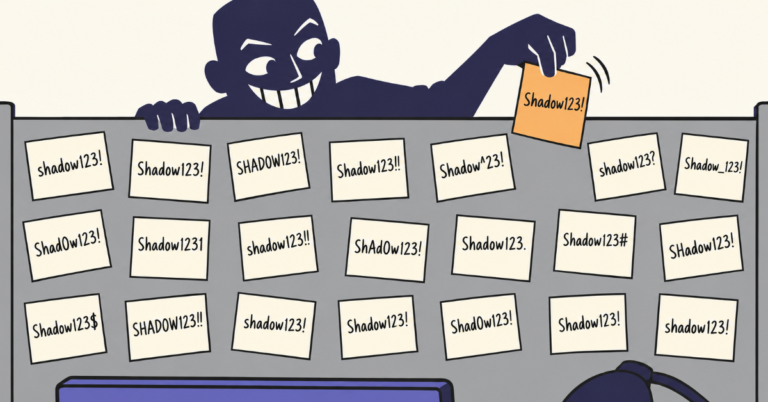
And no shared accounts. Every person gets their own login. When five people shared one login, you can’t tell who did what. And when one of them leaves, you have to change the password for everyone. (Spoiler: nobody does.) If a shared login truly can’t be avoided, keep it in a password manager so you control who has access.
C: Computers
Inventory every laptop and manage it with a mobile device management (MDM) system. Install EDR (Endpoint Detection and Response) on every machine, contractors included, and turn on full disk encryption.
If a laptop gets left in the back of a rideshare, full disk encryption turns a potential data disaster into a simple hardware replacement.
Is that really it?
There are hundreds more controls you could put in place. Start with these five. When you’re done, your mirror check looks like this:
- Backups tested. Check.
- Training and phishing tests running. Check.
- Email authenticated. Check.
- MFA on every high-value account. Check.
- Every laptop managed, protected, and encrypted. Check.
Get a Second Set of Eyes: Help Finding Your Blind Spot
Some blind spots are hard to find on your own. That’s why new cars come with sensors that beep at you.
If you aren’t sure where your cybersecurity blind spot is, start by finding out. You can talk with someone (okay, someone like us) who looks for blind spots for a living.
As for me, I now turn my head and look every single time I change lanes. “My mirrors and I are on speaking terms again.”
Want to get great cybersecurity content delivered to your inbox? Click here to sign up for our monthly newsletter, Tales from the Click!
Frequently Asked Questions
A cybersecurity blind spot is a risk your business carries without realizing it. For most small businesses, the blind spot is not knowing how much cybersecurity risk they face or what to do first. It usually hides behind assumptions: you’re too small to be a target, your IT person handles it, or you’ve never had a problem.
Yes. Most attacks are automated and opportunistic, not aimed at one particular company. Software scans the internet for easy ways in, such as accounts without multi-factor authentication (MFA) or email domains anyone can impersonate. Small companies don’t get selected. They get found.
Start with the five BASIC controls: tested backups, awareness training with phishing tests, secure email configuration, multi-factor authentication for every high-value account, and managed, protected, and encrypted computers. Together, they protect against the most common attacks we see.
Start with the five BASIC controls: tested backups, awareness training with phishing tests, secure email configuration, multi-factor authentication for every high-value account, and managed, protected, and encrypted computers. Together, they protect against the most common attacks we see.
Start by finding out where you stand. Check which of the five BASIC controls you already have, then close the gaps one or two at a time. A cybersecurity gap assessment can show you what you’re missing and what to fix first.