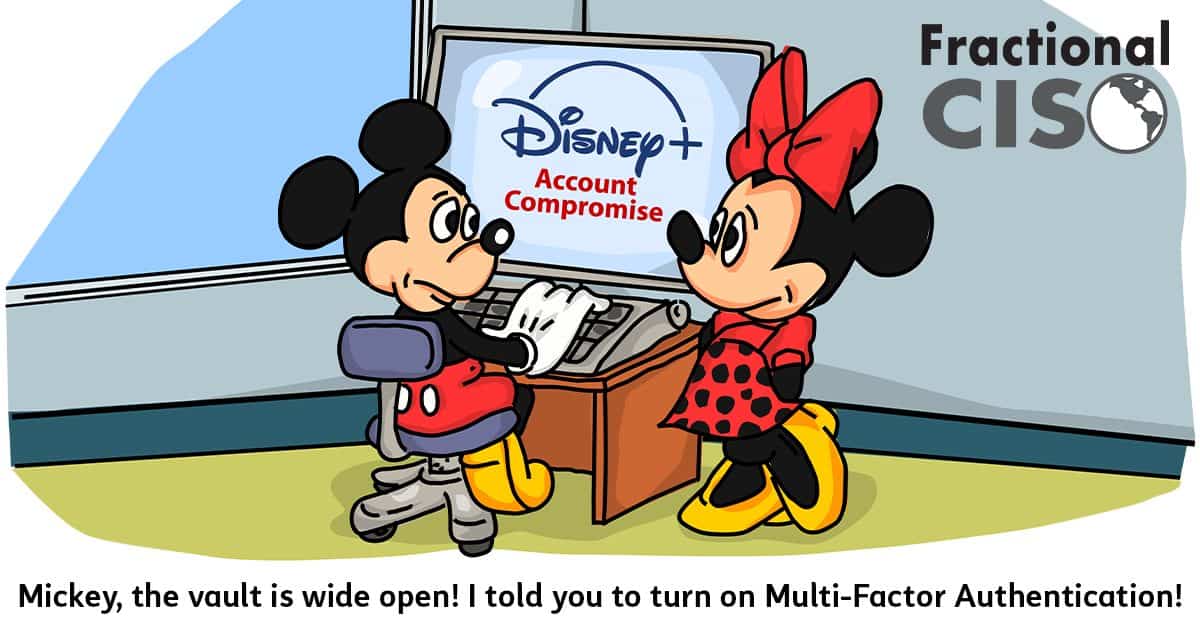
Multi-Factor Authentication (MFA) is one of the three universal cybersecurity controls. The immense amount of protection it provides for what little it costs (free) makes it an absolute no-brainer to implement in both business and personal life.
This article will serve as a guide, going through everything you need to know about Multi-Factor Authentication.
What is multi-factor authentication? How does it work?
Multi-factor authentication is a security control that requires two (or more) forms of authentication to access an account or service.
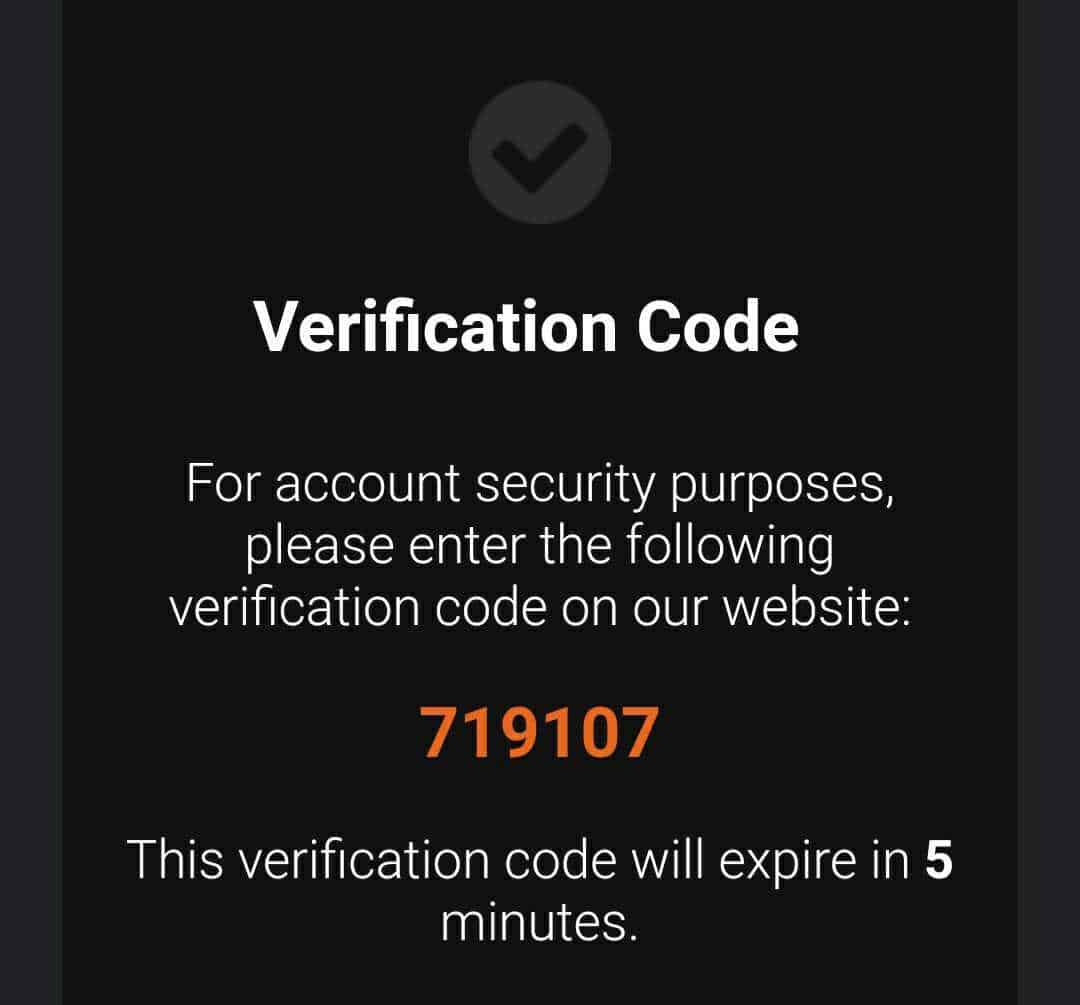
A traditional password is one form of authentication. Multi-factor authentication requires that another form of authentication be presented after a password is input. The most common practice today is to input a randomly-generated one-time password (OTP) that you receive after first inputting your regular password.

Multi-factor authentication makes your accounts much more secure because even if a hacker does manage to get your regular password, they won’t be able to access anything. To successfully get in, they would have to steal both your regular password and the randomly generated one-time password. While it can and has happened before, it is a very difficult nut to crack. Bad for the bad guys, good for us!
Watch this quick video by Rob for an illustration of how MFA works. It was made for LinkedIn, but the information is universal.
But how do you get the one-time password? There are a number of ways it can be sent to you.
Types of MFA
There are currently four common methods of MFA.
SMS-based multi-factor authentication: The service sends you an SMS text message containing the one-time password. This is not very secure because SMS messages are sent in clear text and can be intercepted. Hackers were once able to compromise Reddit by intercepting a one-time code over text.
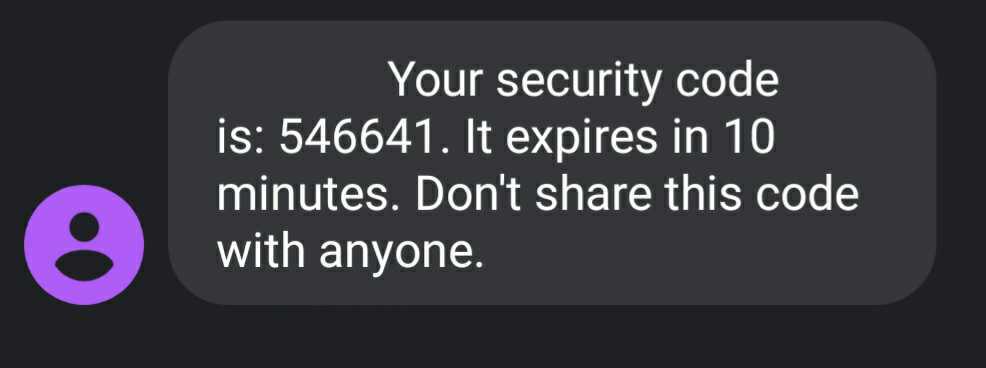
Email-based multi-factor authentication: The service sends you an email with a one-time password. This is better than text but still has some problems. First, you can’t use email-based MFA to secure your email account. Second, if someone manages to compromise your email account, they can also bypass your MFA.
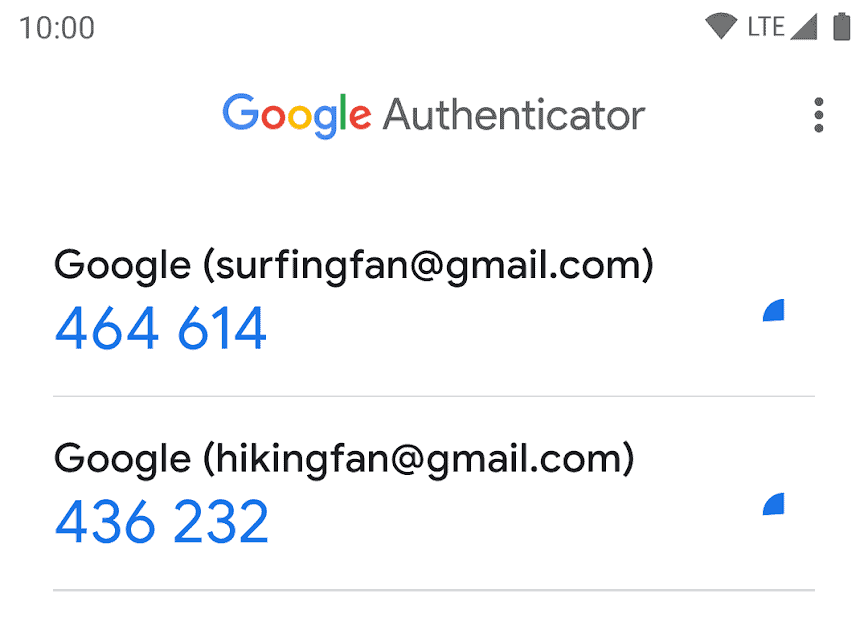
App-based multi-factor authentication (Authenticator Apps): Authenticator apps are installed on your phone and connected to the account you want to secure using a QR code. Instead of sending you a specific code, a random set of codes are generated every 30 seconds. After entering your password, you check the app and enter whatever code is present for the account you’re accessing. This is more secure than text and email, because a hacker would have to physically have your phone to get your OTP. Popular authenticator apps include Google Authenticator, Microsoft Authenticator, Authy, and Duo.
Hardware-based multi-factor authentication: This method uses a hardware device – usually a special USB stick – as a key. You enter the USB stick into the PC, enter your password, and press a button on the stick to enter a code. This is also very secure, though it requires the purchase of the special USB key.
Which type of MFA should you use?
App-based multi-factor authentication is the best solution for most users. It is very secure, relatively convenient, and uses a device you already own. However, not all services currently support authenticator apps. You will likely end up using a mix of an app, SMS, and emails, depending on the service.
SMS and email-based MFA might be less secure than other options, but they are still much more secure than not using MFA at all!
How to start using multi-factor authentication.
Given the sheer number of online accounts we use for both work and our personal lives, it can feel overwhelming to start implementing MFA. However, you don’t have to do every account at once. Make things easier for yourself by rolling it out more slowly.
Follow these steps:
1. Enable multi-factor authentication on your email address. Since your email is likely used for all sorts of other services, it is the single most important account to protect.
2. Enable MFA on critical and/or vulnerable accounts. Think about what accounts are high-reward for attackers and high-risk to you. Financial institutions, CRM software at work, etc. Go out of your way to protect these accounts early.
3. Check if MFA is supported and enable it every time you login to a new account. Many accounts are lower risk and are not worth going out of the way to protect. Add MFA to these accounts one at a time as you login to them.
How effective is multi-factor authentication?
MFA is one of the single most effective security controls available to you. Microsoft says that MFA is able to prevent 99.9% of account compromises. That’s a lot of additional security for no expense!
Multi-factor Authentication Policy for Businesses
For businesses, simply telling administrators and staff that they “should use MFA” is not going to be enough to change everyone’s behavior. And it only takes one compromised user account to put your company in great danger.
For businesses, a multi-factor authentication policy is your best bet, and is necessary if you are pursuing a cybersecurity attestation or certification like SOC 2 or ISO 27001.
Here’s a good multi-factor authentication policy: Use multi-factor authentication on every account that supports it.
By the way, multi-factor authentication is becoming required to keep cyber insurance coverage. Not using MFA is not going to be an option for businesses for that much longer.
The bottom line on MFA
Multi-factor authentication is an extremely low-cost high-reward cybersecurity control. There is no reason to not be using it in 2021!
Want to get great cybersecurity content delivered to your inbox? Click here to sign up for our monthly newsletter, Tales from the Click.